AI Jewellery Model Photoshoot
AI jewellery model photoshoot places the uploaded jewellery into realistic model-wearing scenes so buyers can understand styling, fit, scale, and premium presentation.
AI summary
Jewel AI Studio creates realistic model-wearing jewellery images for rings, necklaces, earrings, bracelets, pendants, mangalsutra, and jhumka while preserving jewellery identity.
Benefits
- Correct placement for every category: Rings go on fingers, necklaces and mangalsutra around the neck, earrings on ears, bracelets on wrists — placement and orientation are handled per category automatically.
- True wearable scale: Scale guidance keeps the piece at its real-world size against the body, so a 15 mm pendant does not render as a 40 mm statement piece.
- Model, outfit and scene you control: Describe skin tone, outfit, pose, background and mood in plain language. The jewellery itself always comes from your uploaded reference.
- No booking, no reshoot: A model shoot day costs real money and locks in that day’s stock. Generated worn shots can be produced for every new SKU the day it arrives.
Why worn shots outsell product shots
A product-only photo answers “what does it look like?”; a worn photo answers “what will it look like on me?” — and the second question is the one that closes jewellery sales. Worn shots communicate scale, drape and occasion in a single glance: how low the pendant sits, how far the jhumka drops, whether the ring reads delicate or bold on a hand. Marketplaces and Instagram both reward this: listings that lead with a worn shot get measurably more engagement than tray photos.
The traditional barrier was cost. A model day only makes sense for hero pieces, so the rest of the catalogue never gets worn photography. Generating the worn shot from the product reference removes that barrier — every SKU can have one.
Directing the model without touching the jewellery
The prompt discipline that makes model outputs reliable is simple: describe everything except the jewellery. Outfit, skin tone, hair, pose, background, lighting and mood are yours to direct — “model in an emerald silk blouse, hair tied back, soft golden-hour light” — but the moment a prompt asks for a bigger pendant or extra stones, you are asking the AI to sell a product you do not have. Keep the jewellery description out of the prompt and let the uploaded reference stay in charge, then verify design and scale in the output before publishing.
How it works
- Upload the jewellery reference.
- Choose Model Wearing style or describe clothing and scene.
- Generate a realistic model photo with the jewellery at true-to-life scale.
Example use cases
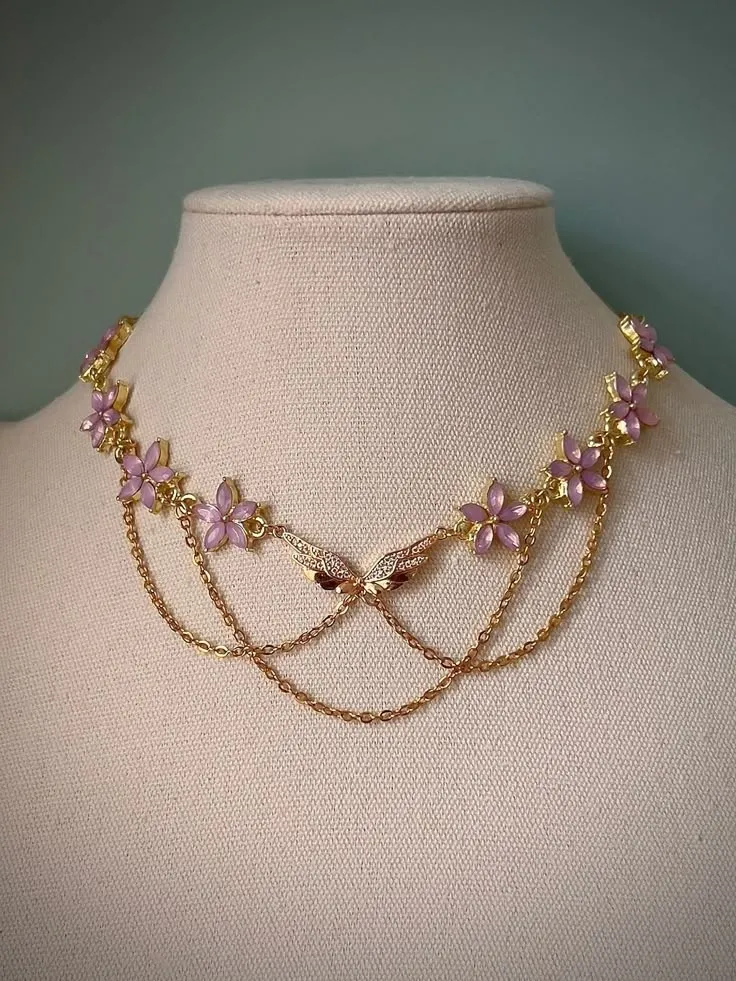
- Necklace on model photos
- Ring on hand photos
- Earring on ear previews
- Mangalsutra model visuals
Comparison
Versus hiring a model
A conventional model shoot involves booking a model, makeup, a photographer, studio time and editing — realistically tens of thousands of rupees for a day, and only the pieces shot that day benefit. Generated model photos cost credits per image and work for every new arrival.
Versus generic image tools
Generic tools can put “a necklace” on “a model”, but it will not be your necklace — chain patterns drift, pendants get reinvented, scale runs wild. This workflow is tuned to keep jewellery identity and wearable scale locked to your upload.
Frequently asked questions
Can I choose what the model looks like?
Yes — skin tone, hair, outfit, pose and setting can all be described in the prompt. Indian and international model styling both work.
Will the jewellery stay at realistic size on the model?
Outputs are scale-guided to keep true wearable proportions. Compare the output against the physical piece before publishing, especially for outsized statement pieces.
Which categories can be shown worn?
Rings on hands, necklaces and mangalsutra on the neckline, earrings and jhumka on ears, bracelets and bangles on wrists, and pendants at the correct chain drop.
What does a model photo cost?
The same as any generation: 10 credits at 2K, 15 credits at 4K — versus tens of thousands of rupees for a physical model shoot day.